Get structured layer details with your notes, then refine them in ChatGPT, Claude, Gemini, or Copilot. Or bring your own API key for instant AI-enhanced prompts.
Use it standalone or supercharge it with your own API
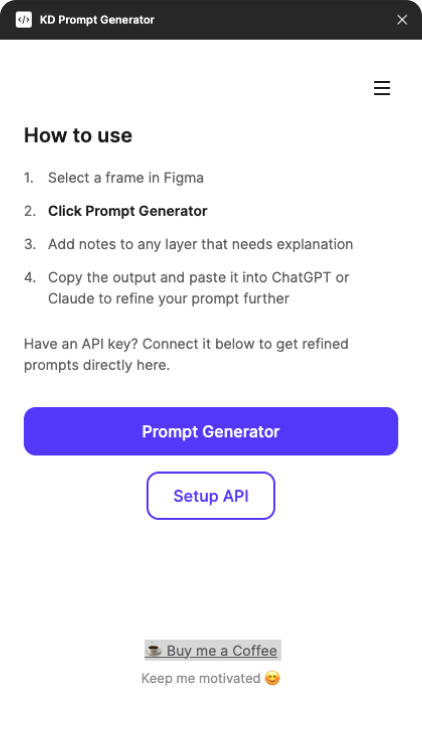
Get layer details, add your notes, then paste into any AI tool to create the perfect prompt
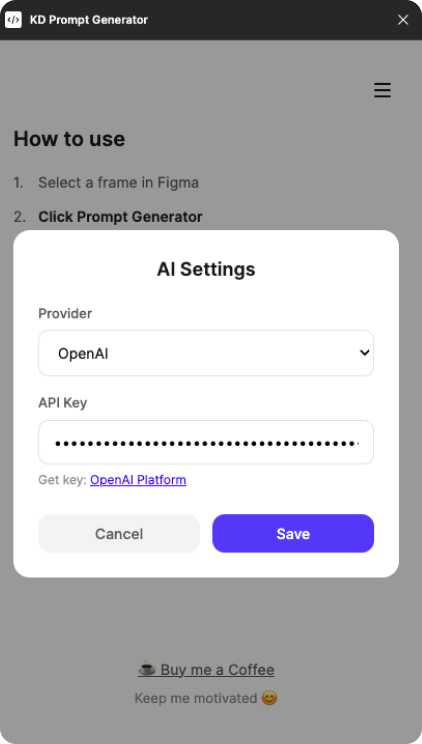
Connect your API key and get AI-enhanced prompts directly in the plugin
Four simple steps from design to prompt
Choose any frame in your Figma design
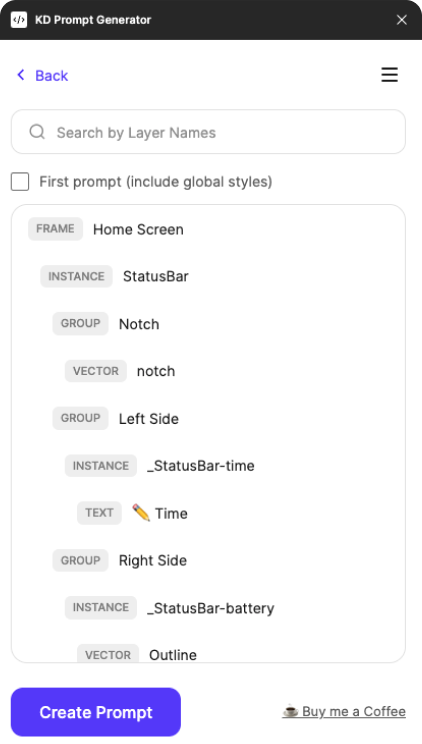
Plugin reads your structure, styles, and hierarchy
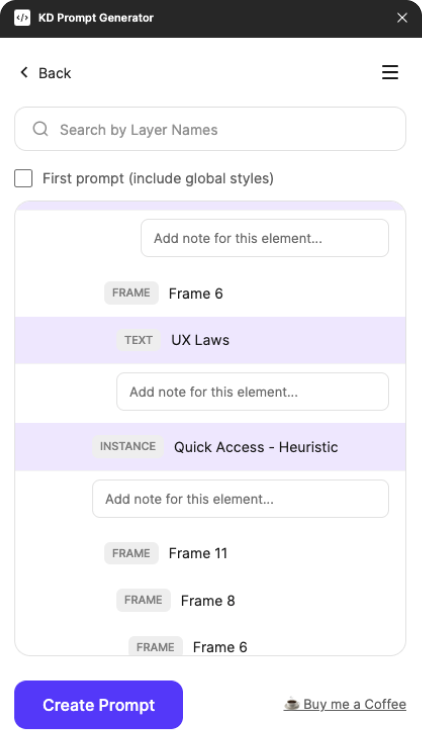
Click layers to add specific instructions
Copy to your favorite AI or use your API key
Everything you need to bridge design and development
Identifies buttons, inputs, cards, navigation, and other UI components automatically
Pulls colors, font sizes, and spacing from your design
Add notes to any layer with specific instructions for better context
Quickly find specific layers in complex designs
Connect Google, OpenAI, or Anthropic for instant AI-enhanced prompts
No account needed. Works offline. Your API keys stay on your device.
Install the plugin and start generating prompts in seconds.
Install Free Plugin Prompt Generator